Anchor Point · Founding beta
We provide your anchor point.
A foundation from which you can build your presence, organize your work, develop your business, and create something valuable for others. Anchor Point is the people's access and inclusion — plug and play, speak and say.
Go to your Command CenterMembers sign in to reach their own Command Center.- Core applications
- 60
- Operations
- 15
- Stations
- 20
- Live right now
- 0
Three ways to begin
Start small. Grow without starting over.
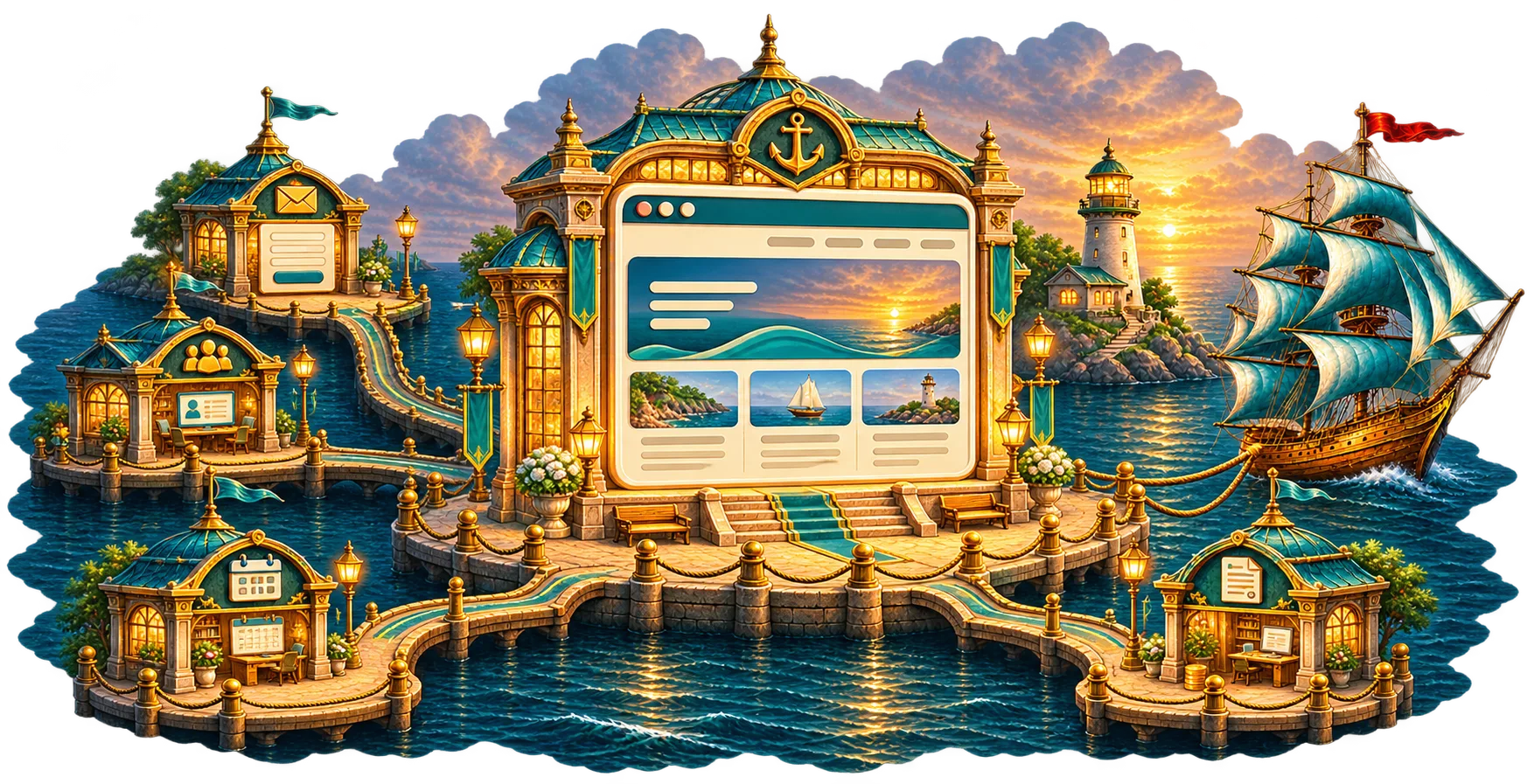
Begin with one application, adopt a prepared business environment, or create a tool of your own. Everything you add joins the same workspace and the same records.
Applications
60 focused tools — each useful on its own, all able to work together.
Browse applications →Operations
15 prebuilt workflows that combine related applications into one command center.
See Operations →Stations
20 business environments shaped around a specific trade — from T-shirts to tutoring.
See Stations →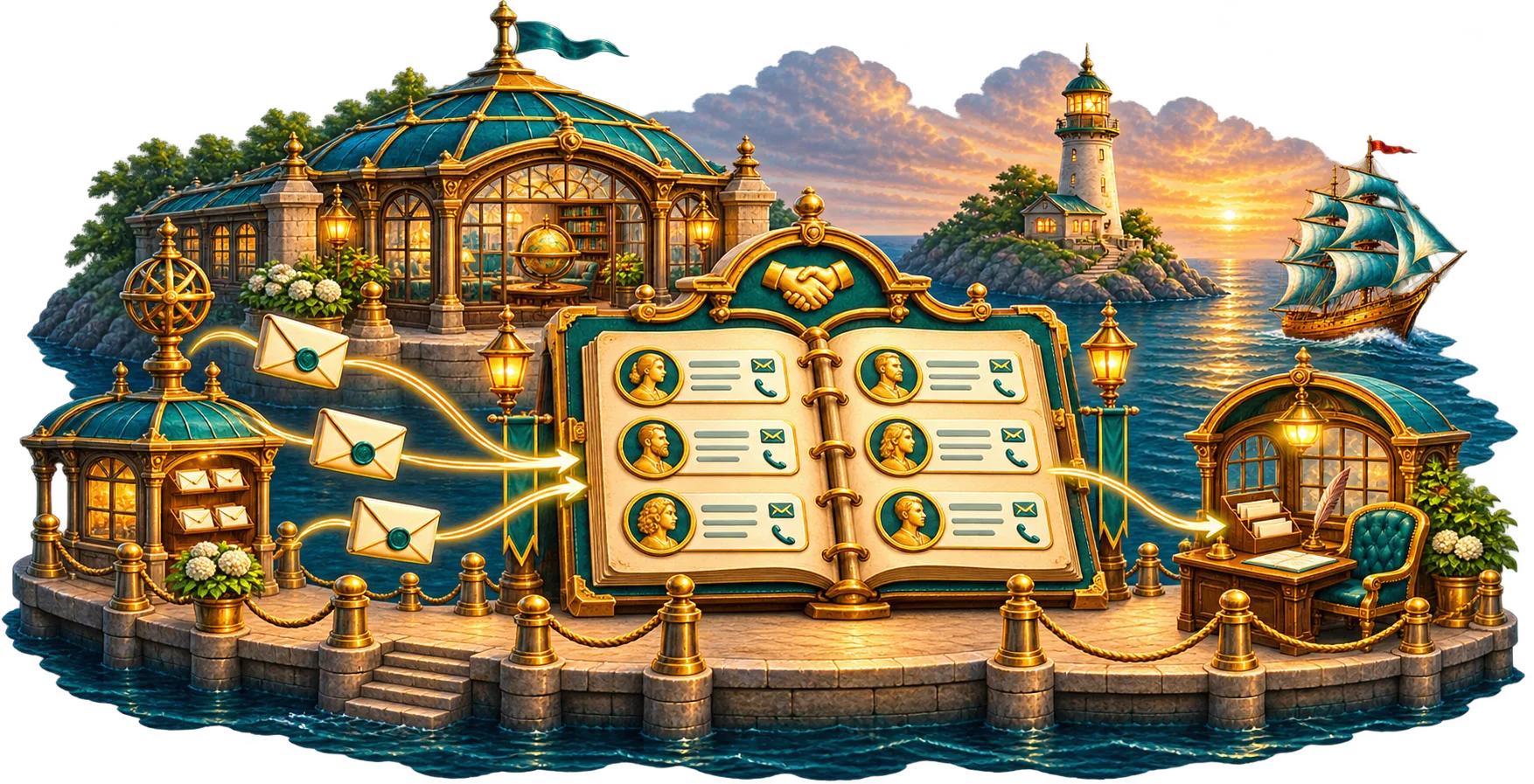
Connected — for real
An inquiry becomes a customer and a next step.
“Connected” means information actually moves — not a button that opens another app. This is the first pathway being built, in development now:
1. Someone completes your form
Anchor Point Forms and Surveys captures the response.
2. The customer is created — or matched
Customer and Sales Manager recognizes a returning email instead of making a duplicate.
3. A follow-up task appears
Tasks and Projects receives a dated task linked to that customer.
4. AI helps you plan what's next
AI Assistant turns a goal into steps you can send straight to your task list.
The core collection
A living platform, coming online in waves.
Every application already has its place. Live tools work today; the rest show exactly where they stand.
- 1Coming soon
Planned and placed in the platform. Not working yet.
- 2In development
Being built right now.
- 3Beta
Working and connected, tested with founding members.
- 4Live
Fully working and integrated across the platform.
AI & Creative5 apps
Work & Collaboration13 apps
- Calendar and AppointmentsIn development
- Files and LibraryIn development
- Tasks and ProjectsBeta
- EmailIn development
- DocumentsIn development
- MessagingIn development
- Meetings and CallsIn development
- Shared InboxIn development
- NotesIn development
- Knowledge BaseIn development
- Courses and TrainingIn development
- CommunityIn development
- EventsIn development
Sales & Marketing18 apps
- WebsitesIn development
- Customer and Sales ManagerBeta
- Landing PagesIn development
- Email CampaignsIn development
- Forms and SurveysBeta
- Sales Partners and CommissionsIn development
- Customer SupportIn development
- Social MediaIn development
- Marketing AutomationIn development
- Visitor ChatIn development
- Business Listings and ReviewsIn development
- Search VisibilityIn development
- Loyalty and RewardsIn development
- Customer SuccessIn development
- WebinarsIn development
- SMS CampaignsIn development
- Website Testing and OptimizationIn development
- AdvertisingIn development
Commerce & Finance10 apps
Data & Building6 apps
Beyond single applications
Applications combine into Operations and Stations.
When you're ready for more than one tool, adopt a prepared environment. Your Command Center reshapes itself around it.
15 Operations
Prebuilt workflows that join related applications into one command center. Each opens when all of its applications are live.
- · Campaign Operations
- · Commerce Operations
- · Sales Operations
20 Stations
Complete business environments shaped around a trade, with AI guidance for that trade. They open as their applications come online.
- · T-Shirt & Custom Merchandise Station
- · Residential Cleaning Station
- · Lawn Care & Yard Maintenance Station
Say what you want to accomplish.
Explain your goal, bring your information, and get practical help building and operating it. AI always tells you what it did versus what it is only proposing — and asks before anything consequential.
Begin privately